 My Money Buddy
Transactions,
logged automatically.
My Money Buddy turns the messages your bank already sends into a tidy expense tracker, with AI insights, analytics, budgets and bill splits. Your data stays in your own Google Sheet.
No bank login needed · Works with the SMS your bank already sends
How it works
Set it up once. Then just check and save.
No typing every expense. Your bank's messages do the work.
Turn on auto-capture
On Android, switch it on once. On iPhone, add our Shortcut once. From then on, every new bank SMS lands in My Money Buddy on its own.
Check and save
AI fills in the amount, merchant, category and account. Swipe through what's waiting and save it all with one tap.
See where it all went
A short note every week, analytics by category and account, and budgets that warn you before the month runs out.
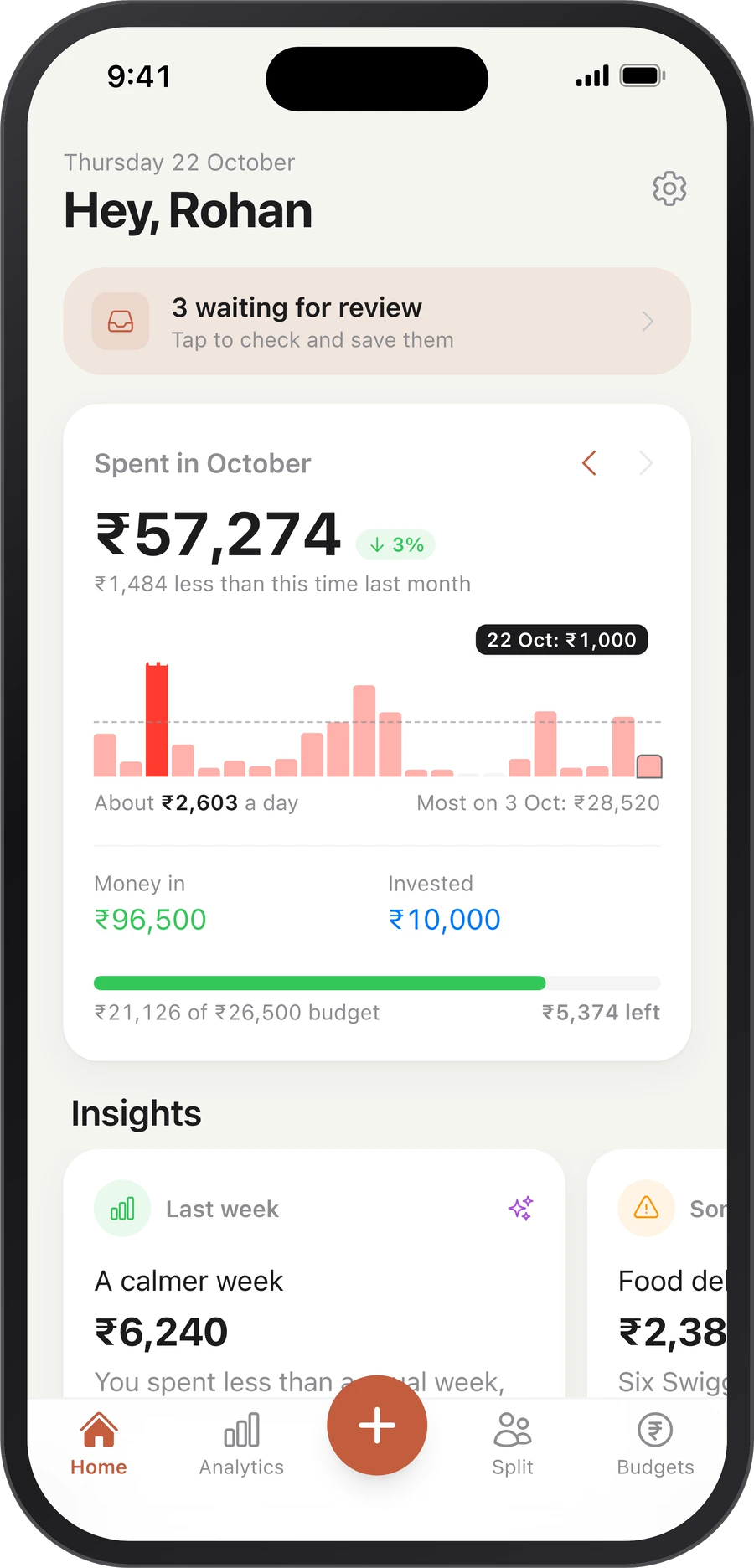
Every bank SMS becomes an entry
New bank messages arrive on their own and wait on Home. AI reads each one and fills in the details, so you only check and save.
- One message with several payments becomes several entries
- Prefer doing it by hand? Paste a message, type "Spent $80 on shoes", or import a PDF, CSV or Excel statement
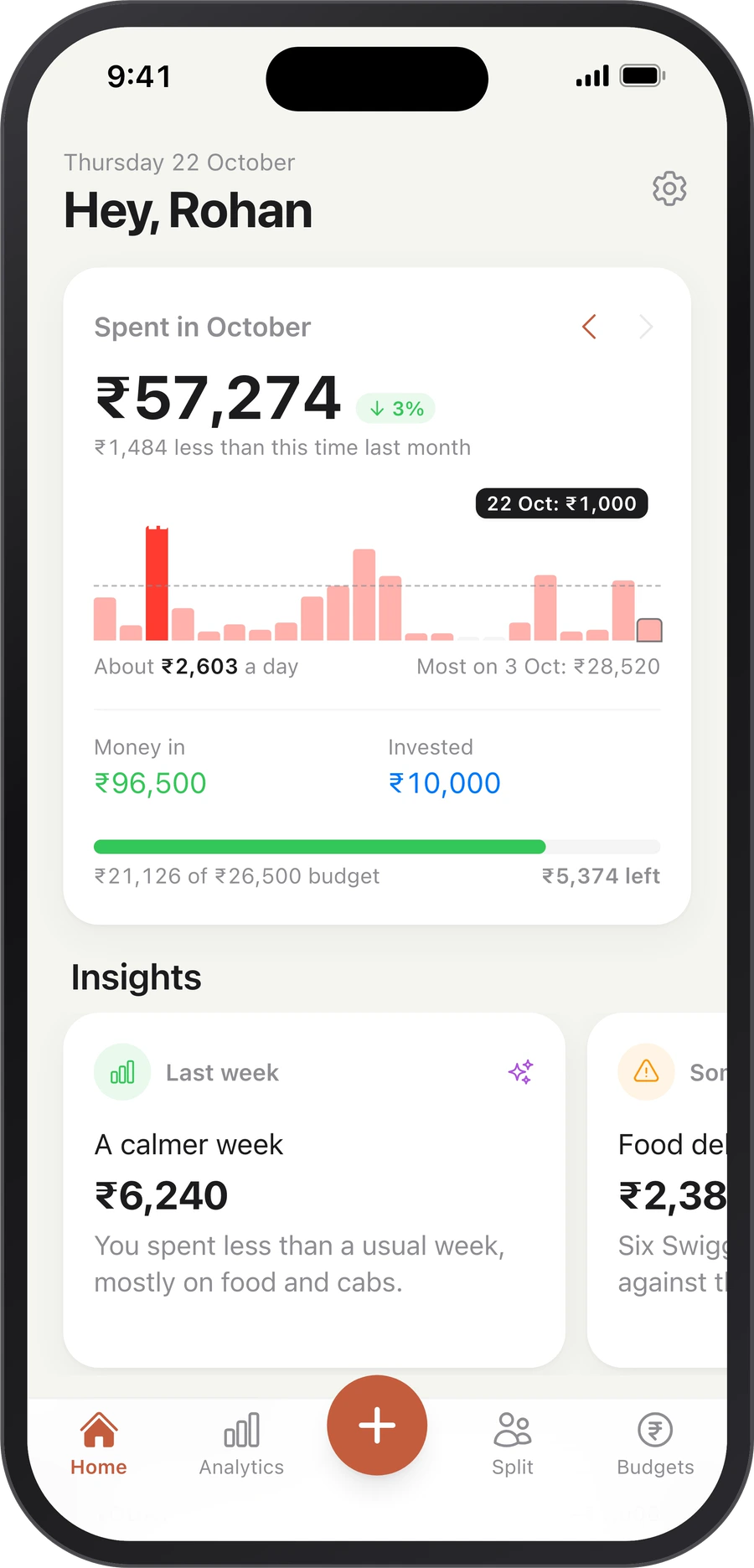
Your week, explained
Every week, a short note on your Home screen: how last week went, anything unusual, and one simple way to save. Plus where this month is heading and the bills coming up.
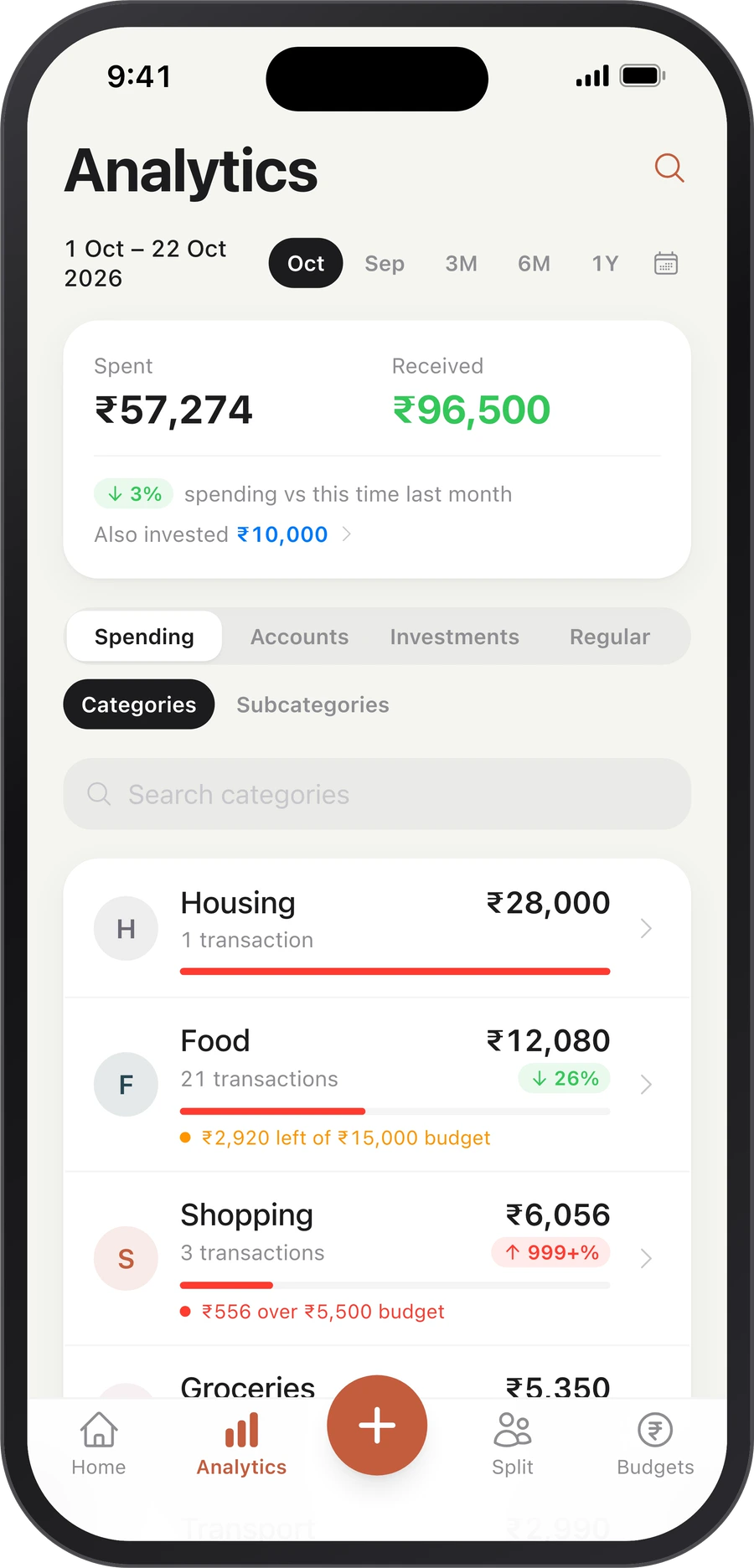
See where every rupee went
Spending by category and subcategory, by card and account, your regular payments and your investments. Compare months, look back a year, and find your top merchants.
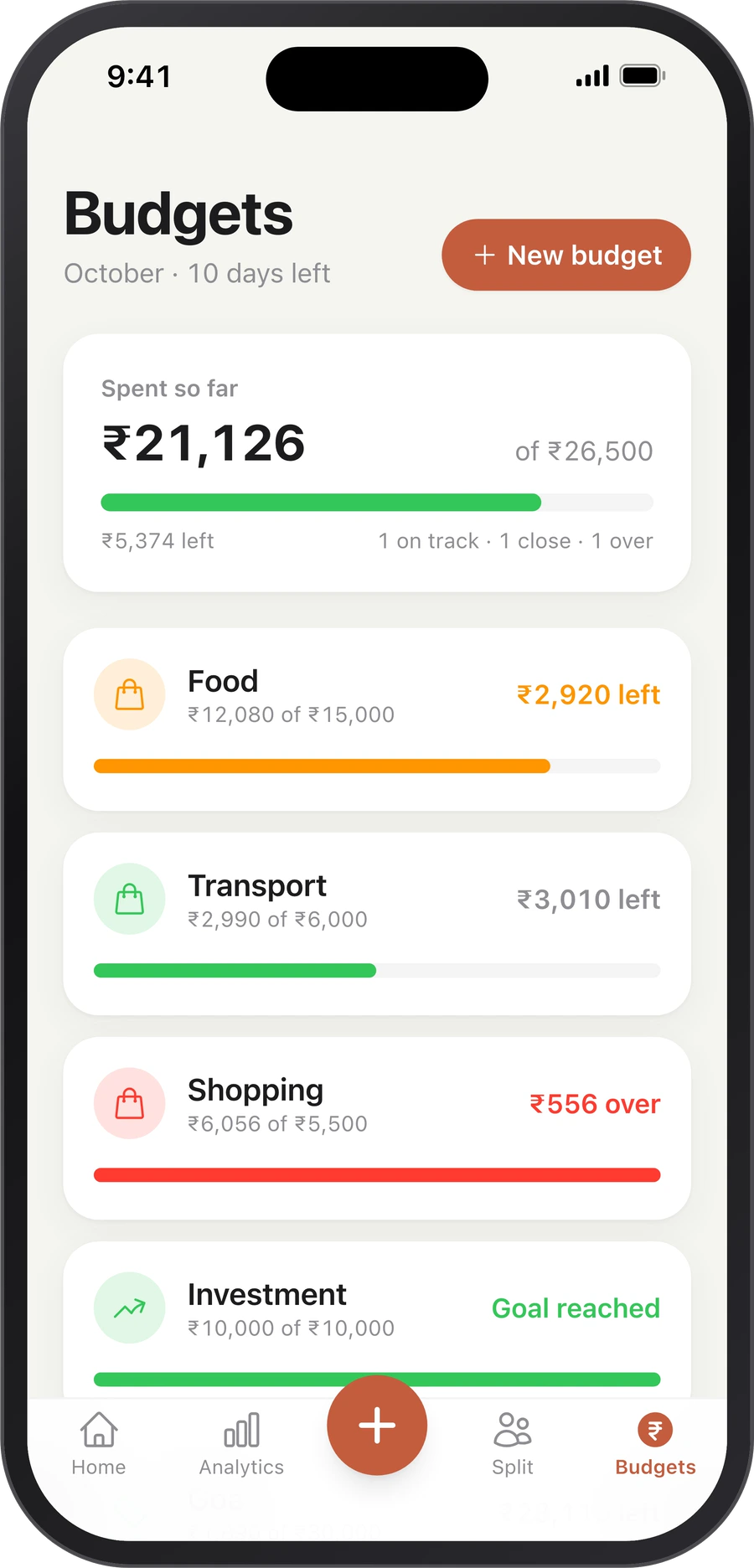
Budgets that warn you in time
Set a monthly limit for food, shopping or anything else, add investment goals, or give a trip its own budget with a tag like #goa. The bars fill as you spend.
Split with friends
Trips, dinners, rent. Split equally, by amount or by shares, see who owes whom, and settle up with a tap.
EMIs and foreign spends
"Phone on EMI, ₹36,000 for 12 months" adds a payment to every month. Dollars and euros become rupees at the latest rate.
Works with your bank
It reads the SMS alerts your bank already sends. No bank login, no linking accounts.
Your data
Your records live in your own Google Sheet
Everything you save goes into a Google Sheet in your own Google Drive. Open it, filter it, share it with your CA, keep it forever. It's yours, even if you stop using the app.
- No bank login, ever
- We never sell your data, and there are no ads
- Messages are read only to fill in your entries
- Remove our access to your Google account any time
Free to download
Premium does the reading for you
The free plan covers the basics. Premium adds:
Smart reading
Fills in the category, merchant and account, and turns one message into several entries.
Weekly insights
How last week went, anything unusual, and one way to save.
Full Analytics
Categories, accounts, regular payments and investments.
Unlimited splits
Split as many bills as you like. The free plan includes 50.
Questions
Good to know
How does it log my bank SMS automatically?
On Android, turn on message capture once in Settings: My Money Buddy picks up bank messages from your messages app and keeps them ready for you to check. On iPhone, add our Shortcut once and set it to run when a bank SMS arrives. Either way, new messages wait on Home until you save them.
Do I need to give my bank login?
No. My Money Buddy only reads the SMS alerts your bank already sends you. It never connects to your bank account.
Where is my data stored?
Your transactions, budgets and splits are saved in a Google Sheet in your own Google Drive. To fill in the details, the messages you add are read on our servers with the help of Google's AI. We never sell your data. Read the privacy policy for the full picture.
Is it free?
Yes, My Money Buddy is free to download. Premium adds smart reading, weekly insights, full Analytics and unlimited splits.
When is the Android app coming?
Very soon. We're testing it now. Email us to join the test and get it first.
How do I delete my account?
See how to delete your account. Your Google Sheet stays yours.
Stop typing expenses.
Let your bank's SMS do it, and see where your money goes.